

Description
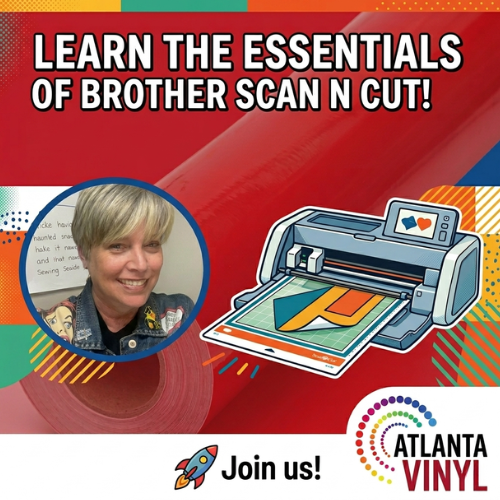
Learn the Essentials of Brother Scan N Cut!
Ready to master your Brother Scan N Cut machine? Our Training Class is perfect for anyone just starting out or struggling to get the most out of your Scan N Cut. From navigating the Canvas Workspace software to cutting your first project, we'll help you build the confidence to bring your creative ideas to life.
Meet Your Instructor
Stephanie Young is a Siser veteran with decades of experience in the industry! Having extensive knowledge of embroidery, sublimation, and Romeo and Juliet cutters, she brings a unique perspective to crafting with HTV. Known for her out-of-the-box style of crafting, Stephanie is the go-to expert for mixed media creations! You can find more of Stephanie's work at So Stephanie Says on YouTube.
What You'll Learn:
✔️ Navigating the Canvas Workspace software interface
✔️ Uploading and customizing SVG and PNG files
✔️ Creating text-based designs using built-in fonts
✔️ Understanding layers, weld, attach, and slice tools
✔️ Setting material cut settings for HTV and adhesive vinyl
✔️ Step-by-step demo of cutting and weeding a beginner project
Who is This Class For?
✅ Brand new Brother Scan N Cut users
✅ Craft hobbyists ready to upgrade their skills
✅ Small business owners using Brother Scan N Cut for product creation
Class Details:
📅 Duration: 60–90 minutes
📍 Location: Online (Zoom)
💡 Includes: Live hands-on training and Q&A
🛒 After purchasing, we'll contact you to schedule your session at a time that works for you.
Let us help you stop guessing and start creating. Join us and get the most out of your Brother Scan N Cut experience! 🚀