
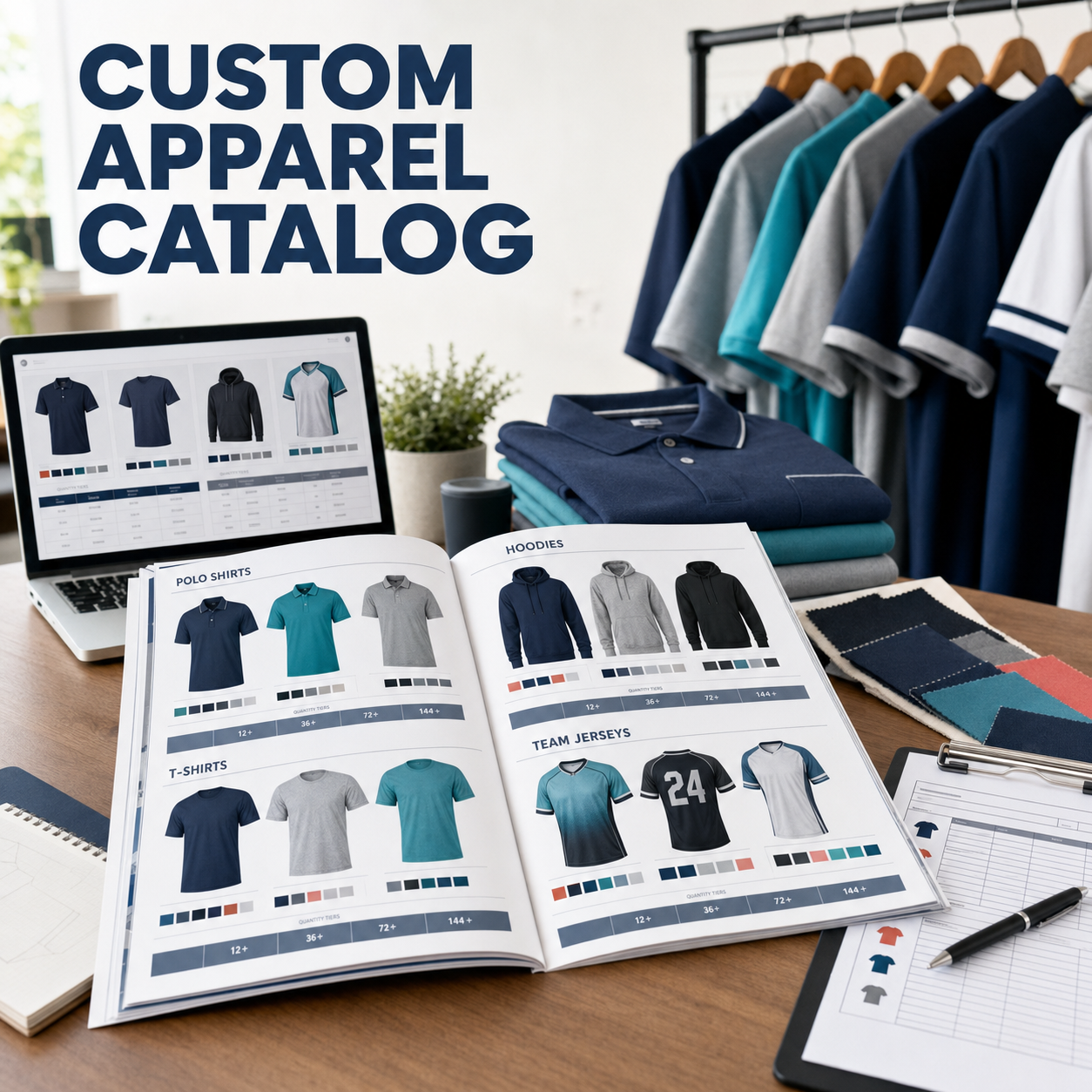
Individual custom orders are great, but corporate accounts and team orders are where custom apparel businesses can really scale. Companies, schools, sports organizations, restaurants, and nonprofits regularly need branded apparel in volume — and a well-designed catalog positions you as a professional vendor rather than a hobby seller.
A custom apparel catalog shows potential B2B clients exactly what you offer, removes friction from the ordering process, and lets you present your products and pricing in a clear, polished format that builds confidence. Here's how to create one from scratch.
What to Include in Your Apparel Catalog
Your catalog should cover the following categories:
- Garment options: The styles, brands, and colors you carry. Include photos (mockups work perfectly here) and key product specs like fabric content, weight, and fit description.
- Decoration options: What customization methods you offer (custom DTF transfers, heat transfer vinyl, sublimation, etc.) and what design types each method supports.
- Sizing: Size ranges available for each garment type, with a sizing chart or link to one.
- Pricing structure: Your pricing per unit by quantity tier, setup fees (if any), and any minimums.
- Turnaround times: How long orders take from art approval to delivery.
- Art requirements: What file formats and specifications you need for artwork submission.
- Payment and ordering process: How clients place orders, make deposits, and pay invoices.
Creating Mockups for Your Catalog
You don't need to produce physical samples of every product to create a professional catalog. Use digital mockups to show how designs will look on each garment style and color. Free and paid mockup resources include:
- Placeit.net: Thousands of apparel mockup templates that let you drop in your design files
- Smartmockups.com: Similar to Placeit with a clean interface
- Adobe Express or Canva: Free tools with mockup templates for basic presentations
- Blank brand websites: Many blank brands (Bella Canvas, Gildan, etc.) offer free product photos and color swatches you can reference
Building Your Pricing Tiers
Corporate and team orders typically involve larger quantities, so your pricing should reflect volume discounts — for a deeper dive, see our guide to pricing custom DTF transfer orders for profit. A simple tiered structure might look like:
- 1-11 pieces: standard pricing
- 12-23 pieces: 10% discount
- 24-47 pieces: 15% discount
- 48+ pieces: 20% discount (or custom quote)
Always be clear about whether pricing includes or excludes the garment, decoration, and any setup fees. Transparency upfront prevents misunderstandings and builds trust.
Format and Distribution
A well-formatted PDF catalog is the standard for professional presentation. You can create one easily using:
- Canva: Free templates for product catalogs that look polished without design experience
- Adobe InDesign or Illustrator: Professional design tools for more customized presentations
- Google Slides: Simple and shareable for digital-first presentations
Once created, distribute your catalog by email as a PDF, share it via a link (Canva allows this natively), print physical copies for in-person meetings, and embed it on your website.
Making the Catalog Work for You
- Update your catalog at least twice a year to reflect new products, updated pricing, and seasonal additions.
- Create a simplified version of your most popular items for quick quote requests.
- Include your contact information, social media handles, and website on every page.
- Add a real-life photo of a completed order on the cover or opening page to show potential clients the quality of your work.
Pair Your Catalog with Atlanta Vinyl's Product Range
A strong catalog backed by reliable product quality makes you a vendor clients want to work with long-term. Atlanta Vinyl supplies custom DTF transfers, HTV, custom sublimation transfers, and blank apparel that can form the backbone of a complete B2B apparel offering. Browse our products to build out your catalog with confidence.