
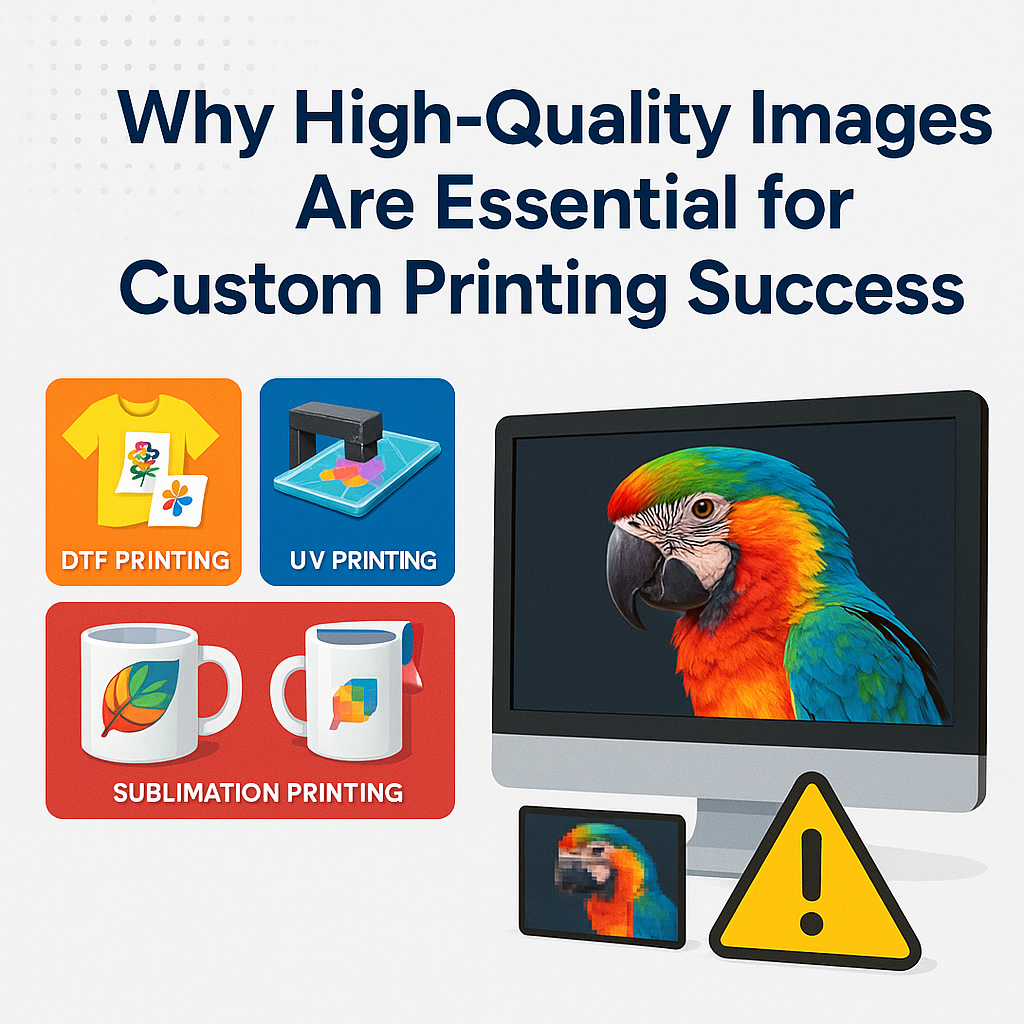
When it comes to custom printing, the quality of the image you provide can make or break the final product. Whether you're ordering custom prints through direct-to-film (DTF), UV DTF, or sublimation methods, high-resolution images play a pivotal role in ensuring sharp, vibrant, and precise results. At Atlanta Vinyl, we know that image quality is the foundation for premium printing outcomes, and we're here to guide you through how to set your artwork up for success.
How Image Quality Affects Printing Results
A low-quality image may look fine on a phone or computer screen, but once it’s printed, issues such as pixelation, blur, or dull colors can become glaringly obvious. Let's break down how image quality impacts the three custom printing methods we specialize in:
Direct-to-Film (DTF) Printing
DTF printing transfers high-quality designs from a special film onto various surfaces, including fabrics. A sharp, high-resolution image ensures the design retains every fine detail, from delicate linework to small text, resulting in a professional finish. With low-quality images, details can become muddy or incomplete.
UV DTF Printing
UV DTF printing leverages ultraviolet light to cure inks, allowing precise images on substrates like glass, metal, and plastic. Here, high-resolution images are crucial for ensuring smooth gradients, crisp edges, and true-to-life color vibrancy.
Sublimation Printing
Sublimation printing works by turning solid ink into gas, bonding it with materials such as polyester or specially coated surfaces. This method thrives on high-resolution images because it captures every gradient and color variation, producing striking, vivid designs.
No matter which method you choose, investing time in selecting or creating high-quality images guarantees a final product that exceeds expectations.
Practical Tips for Ensuring High-Quality Images
Now that you understand the importance of image resolution, how do you ensure your files meet the required quality? Whether you're working with a graphic designer or submitting an image yourself, follow these tips to avoid common pitfalls:
Meet Resolution Requirements
Resolution refers to the number of pixels in an image, typically measured in dots per inch (DPI). See our guide to image resolution for perfect prints for a deeper dive, but here's a quick guide for ideal resolutions:
- DTF Printing: Your image should be at least 300 DPI for small custom designs on apparel or accessories.
- UV DTF Printing: Aim for 300 DPI when printing on rigid surfaces, as this ensures details stay sharp.
- Sublimation Printing: A resolution of 300 DPI is recommended for items like mugs, shirts, or large banners.
Save Files in the Right Format
The file format you use matters. The format that we accept is PNG:
- PNG files for designs with transparent backgrounds (great for logos or intricate graphics). PNG files are what we accept for printing items such as custom DTF transfers.
- One very important thing to remember to check prior to saving your files is if any part of the design has any transparency. If so, this will either need to be changed or removed prior to submitting these files for printing.
Beware of Enlarging Images
It might be tempting to stretch a small image to fit your design, but this usually results in pixelation and loss of clarity. Instead, start with an image that’s already the correct size or larger than your intended print dimensions. This ensures no sacrifice in detail when scaling down.
Use CMYK Color Space
Converting your design to the CMYK (Cyan, Magenta, Yellow, Key/Black) color space is essential for printing as it ensures colors translate accurately from screen to physical product. RGB, the color format used for digital screens, can produce misleading color expectations when printed. Need help with the conversion? See our guide on converting RGB to CMYK.
Check for Compression or Artifacts
Compressed images, especially those downloaded from the web, often develop unwanted artifacts that degrade quality. Instead, source your images from high-quality stock libraries or export them at the highest resolution possible from graphic design software like Adobe Photoshop or Illustrator.
Common Image Mistakes (and How to Avoid Them)
To wrap up this guide, here are some frequent mistakes customers make when sending us their designs for custom printing:
- Uploading Screenshots: Screenshots are always too low in resolution for printing. They're great for drafts or discussions but not for final production.
- Using Images Saved from Social Media: Social platforms often compress images, so what looks good online won’t translate well to print.
- Forgetting to Proofread Text in a Design: If your artwork includes text, always double-check the spelling before submission. Changes after printing begins may not be possible.
By avoiding these simple errors, you’ll save time, money, and ensure your project achieves the professional-grade results you expect.
Take the First Step Toward Picture-Perfect Prints
Your custom printing project deserves the best, and that starts with submitting high-quality, high-resolution images. By following the tips above, you’ll set yourself up for stunning results that impress every time.