
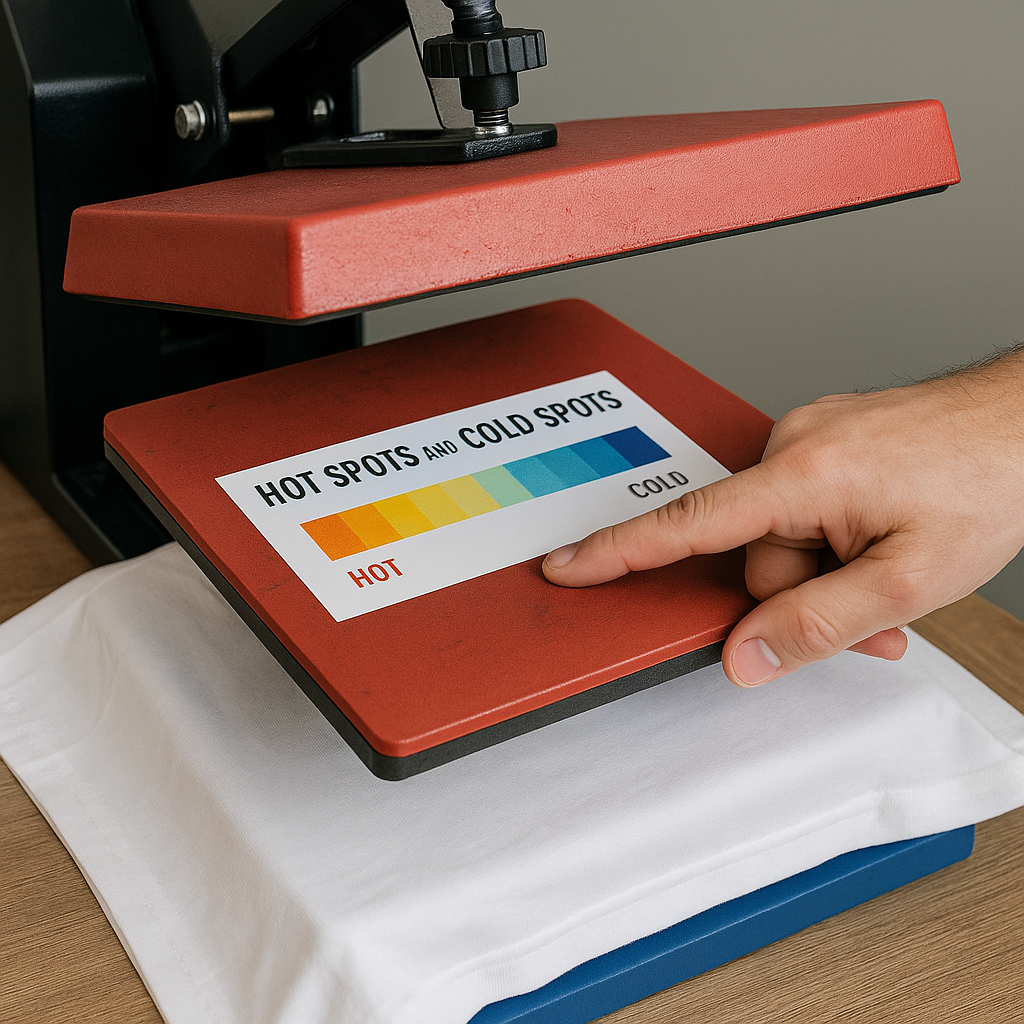
Heat presses are a game changer for creating custom apparel and vinyl projects. But when your designs come out uneven or incomplete, it can be frustrating. The culprit? Uneven heat distribution, which leads to hot spots and cold spots on your heat press. These inconsistencies can ruin your transfers, wasting time and materials.
If you’ve been struggling with this problem, don’t worry! This guide will help you identify and resolve uneven heat distribution so you can get back to crafting flawless products.
What Causes Hot Spots and Cold Spots on a Heat Press?
Before fixing the issue, it’s essential to understand why it’s happening. Uneven heat distribution can be caused by several factors, including:
- Worn-out Heating Elements: Over time, the heating components inside your press can degrade, creating areas that heat unevenly.
- Improper Calibration: When the temperature settings aren’t accurate, parts of the platen may overheat while others stay too cool.
- Insufficient Pressure: Uneven pressure across the platen can also contribute to inconsistent heat distribution.
- Low-Quality Heat Presses: Budget models may not be designed to maintain even heat across the platen.
How to Identify Hot Spots and Cold Spots
The first step to solving any problem is identifying where it occurs. Here are a few ways to check if your press is suffering from uneven heat:
Use Temperature Strips
Temperature strips are an inexpensive tool that changes color at specific heat levels. Place the strips across different areas of the platen, press it down, and see if they all reflect consistent temperatures.
The Laser Thermometer Method
A laser thermometer is another option to pinpoint uneven heat. With the press heated, scan the surface of the platen. This method provides an accurate read on temperature variations.
Test Sheets Method
Lay a blank transfer sheet across the platen and press it briefly. Look for uneven coloring or transfer marks to identify potential hot and cold spots.
Tips for Fixing Uneven Heat Distribution
Once you’ve confirmed the issue, it’s time to get to work solving it. Here are practical steps to help you fix hot spots and cold spots on your heat press.
Calibrate Your Heat Press
Incorrect settings can wreak havoc on your transfer results. Regularly calibrate your machine to ensure the displayed temperature matches the actual heat on the platen. Many models allow for manual adjustment, but you may need to refer to your user manual for specific instructions.
Inspect and Replace Worn Parts
Heating elements, platens, and even silicone pads can wear out over time. If you notice visible damage, such as cracks or uneven surfaces, replace these components to restore consistent performance.
Check and Adjust Pressure
Uneven pressure can lead to incomplete transfers, even if the heat is evenly distributed. Test the pressure by placing a blank sheet between the plates and closing the press. Adjust the pressure settings until you achieve uniform indentation across the sheet.
Utilize A Heat Press Pillow
Heat press pillows are made of heat-resistant materials that help ensure even contact between the platen and your substrate. They’re especially useful when working with layered materials like buttons or seams that disrupt even pressure.
Upgrade Your Heat Press
If you’re still facing issues despite your efforts, it might be time to upgrade. Higher-end heat presses are designed with better heat distribution technology, ensuring consistent results. Consider investing in a dual-platen machine for more advanced projects.
Why Even Heat Distribution Matters
Uneven results don’t just ruin the look of your creations—they waste materials, cost you money, and can even harm your reputation if you’re selling custom designs. Achieving even heat distribution means:
- Crisper Transfers: Every detail of your design transfers perfectly.
- Longer-lasting Results: Proper adhesion ensures durability, even through multiple washes.
- Time and Material Savings: No more redoing failed projects.
By addressing heat distribution issues, you’ll create high-quality, professional products that you’ll be proud to show off—or sell to customers.
Dealing with hot spots and cold spots on a heat press can be frustrating, but with the right knowledge and tools, it’s a problem you can fix. Start by diagnosing the issue, make adjustments where needed, and don’t shy away from upgrading to better equipment if necessary.
Consistency is the secret to creating flawless heat transfer projects. By tackling uneven heat distribution head-on, you’ll save time, reduce frustration, and produce top-notch results every time. For more preventive care tips, see our guide on maintaining your heat press. Happy crafting!