
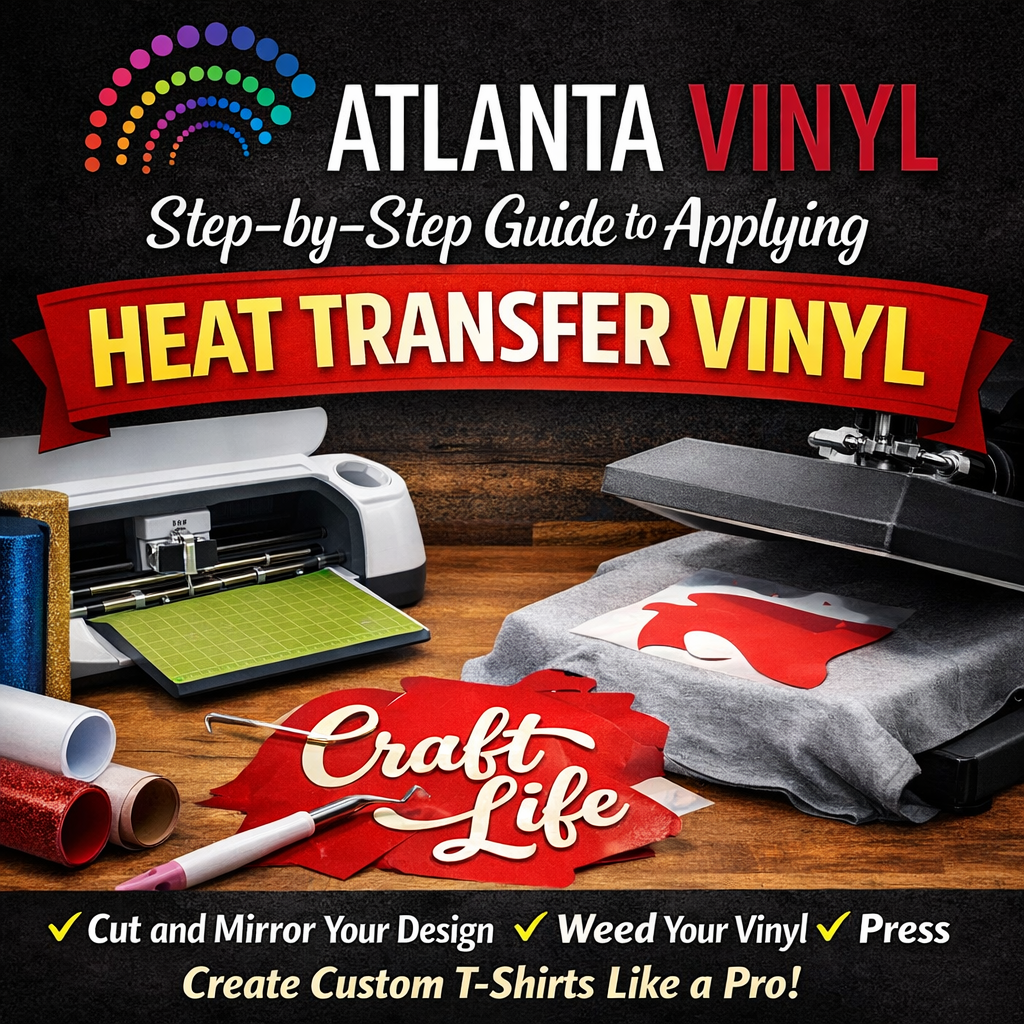
Have you ever looked at a custom t-shirt and thought, "I could make that"? The good news is, you absolutely can. Heat Transfer Vinyl (HTV) is one of the most accessible and rewarding ways to create custom apparel, accessories, and home decor. Whether you want to make matching shirts for a family reunion, personalized tote bags for a bridal party, or just a unique graphic tee for yourself, HTV makes it possible.
While the process might seem intimidating at first, it’s actually quite straightforward once you understand the steps. This guide will walk you through everything you need to know to successfully apply heat transfer vinyl, from the initial design to the final press. With a little patience and the right technique, you’ll be creating professional-quality items in no time.
Step 1: Gather Your Materials
Before you begin, make sure you have all the necessary supplies. Having everything within reach will make the process smoother and more enjoyable.
Here is a basic checklist:
- Heat Transfer Vinyl: Choose a color and finish (like matte, glitter, or flock) that suits your project.
- Vinyl Cutter: A machine like a Cricut or Silhouette is essential for cutting intricate designs.
- Weeding Tool: A hook or pick tool to remove excess vinyl.
- Substrate: The item you are decorating, such as a t-shirt, hoodie, or canvas bag. Cotton, polyester, and cotton/poly blends work best for standard HTV.
- Heat Source: A heat press is ideal for consistent results, but a household iron can work for smaller projects if used correctly.
- Teflon Sheet or Parchment Paper: To protect your vinyl and garment from direct heat.
Step 2: Prepare Your Design
Every great project starts with a design. You can create your own using design software like Adobe Illustrator or the software that comes with your vinyl cutter (e.g., Cricut Design Space or Silhouette Studio). Alternatively, you can purchase pre-made designs from online marketplaces.
Crucial Tip: Before you send your design to the cutter, you must mirror your image. This means flipping it horizontally. Because you cut HTV from the back side (the adhesive side), the design needs to be backward so that when you flip it over to apply it, it reads correctly. This is especially important for text!
Step 3: Cut the Vinyl
Now it’s time to cut. Place your HTV onto your cutting mat with the shiny side down. The shiny side is the clear carrier sheet that holds your design in place later. You want the blade to cut through the vinyl material but not through this clear carrier sheet.
Load the mat into your machine and select the appropriate setting for the type of vinyl you are using (e.g., "Iron-On" or "Heat Transfer Vinyl"). Perform a small test cut first—like a small triangle or circle in the corner—to ensure your blade depth and pressure settings are correct. If the test cut peels away easily without cutting through the carrier sheet, you are ready to cut your full design.
Step 4: Weed the Design
"Weeding" is the process of removing the excess vinyl that is not part of your design.
- Start by peeling away the large piece of vinyl surrounding your design.
- Use your weeding tool to carefully remove the smaller pieces inside letters (like the centers of 'O', 'A', or 'e') and other detailed areas.
- Work under good lighting so you can see the cut lines clearly. Some crafters use a light box or "bright pad" to make the lines more visible.
When you are finished, your design should look exactly how you want it to appear on the shirt, but it will still be backward on the clear carrier sheet.
Step 5: Prepare Your Garment
Preparation is key to a long-lasting bond.
Pre-wash (optional but recommended): If you are using a 100% cotton shirt, wash and dry it first (without fabric softener) to pre-shrink the fabric. This prevents the shirt from shrinking later and distorting your vinyl design.
Pre-press: Turn on your heat press or iron. Place your garment on the press and apply heat for 2-3 seconds. This removes wrinkles and, more importantly, eliminates any moisture trapped in the fabric fibers. Moisture is the enemy of adhesion!
Step 6: Position and Press
Now for the exciting part!
Placement: Place your garment flat on the press or ironing board. Flip your weeded design over so the vinyl is touching the fabric and the shiny carrier sheet is on top. The design should now be facing the correct way (readable).
Alignment: Use a ruler or a t-shirt alignment tool to ensure your design is centered and straight. A good rule of thumb for t-shirts is to place the top of the design about 3 inches below the collar.
Protection: Place a Teflon sheet or a piece of parchment paper over the entire design. This protects the plastic carrier sheet from melting and keeps your heat platen clean.
Pressing:
-
- If using a Heat Press: Close the press and apply the recommended temperature and pressure for your specific vinyl. For standard HTV, this is usually around 305°F - 320°F for 10-15 seconds with medium pressure. Always check the manufacturer's instructions for the specific brand you are using.
- If using an Iron: Set your iron to the "Cotton" or "Linen" setting (no steam!). Press down firmly on the design for 15-20 seconds. Do not slide the iron around like you are ironing clothes; pick it up and move it to the next section if the design is larger than the iron.
Step 7: Peel the Carrier Sheet
Once the time is up, remove the heat source. Check your vinyl instructions to see if it is a "hot peel," "warm peel," or "cold peel."
- Hot Peel: Remove the clear carrier sheet immediately while it is still hot.
- Warm Peel: Wait a few seconds for it to cool down slightly, then peel.
- Cold Peel: Wait until the design is completely cool to the touch before peeling.
Peel the carrier sheet away slowly and at an angle. If the vinyl lifts with the carrier sheet, stop peeling, lay it back down, cover it, and press again for a few more seconds.
Troubleshooting Common Mistakes
Even pros run into issues sometimes. Here are a few common problems and how to fix them:
- Vinyl isn't sticking: This is usually due to insufficient heat, pressure, or time. Check your settings. It could also be a coating on the garment (like water repellent) preventing adhesion.
- Vinyl is melting or shriveling: Your temperature is too high or you pressed for too long.
- Design is peeling after washing: Ensure you pre-pressed the garment to remove moisture. Also, wait at least 24 hours before washing the finished item, and wash it inside out in cold water.
Applying Heat Transfer Vinyl is a skill that opens up endless creative possibilities. With these steps, you can confidently create custom apparel that looks professional and lasts wash after wash. The more you practice, the more comfortable you will become with different materials and techniques.
Ready to start your next project? Browse the extensive collection of high-quality Heat Transfer Vinyl at Atlanta Vinyl. From vibrant colors to unique textures, we have everything you need to bring your designs to life.