
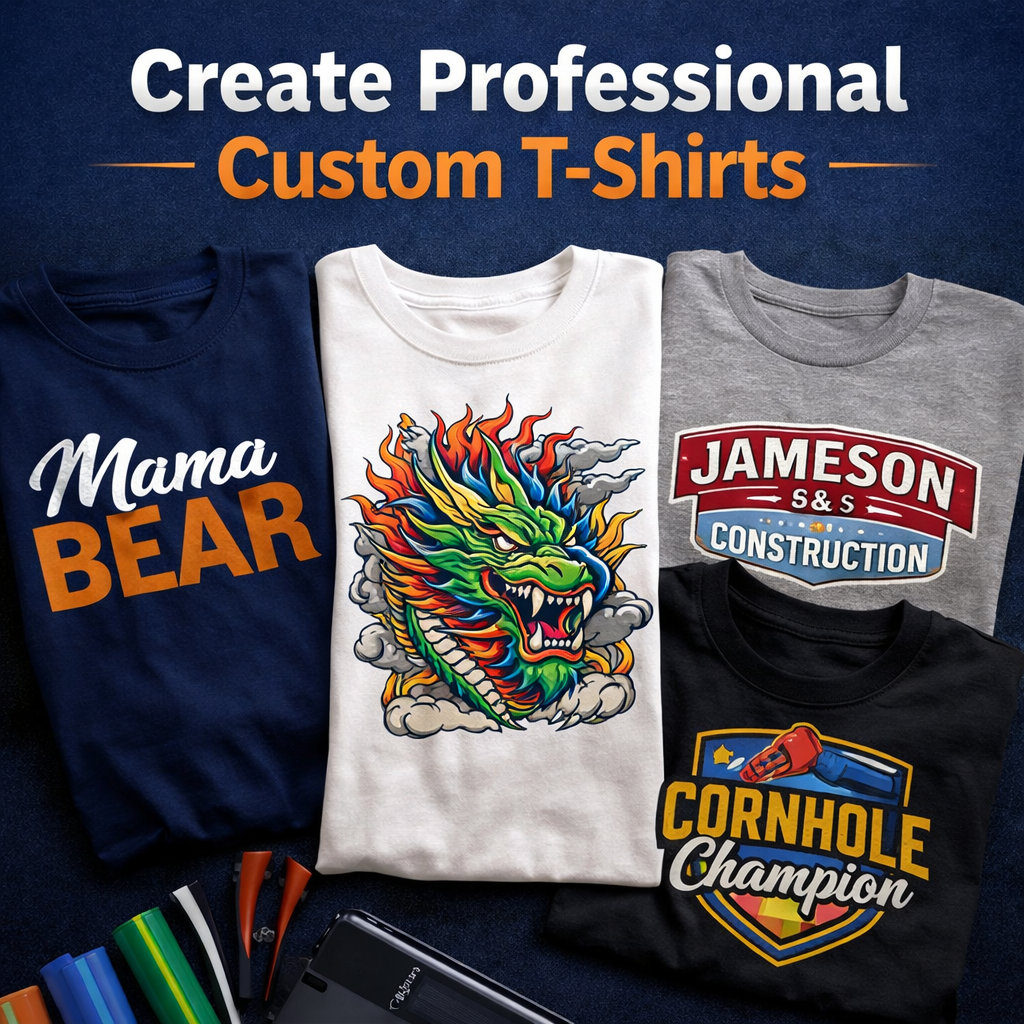
Creating custom t-shirts offers an incredible opportunity to express your creativity, launch a lucrative apparel brand, or design memorable gifts for your friends and family. While the process might seem intimidating at first glance, breaking it down into manageable steps makes it accessible for anyone. Equipping yourself with the right materials and knowledge guarantees professional, retail-quality results right from your home or workshop.
This comprehensive guide will walk you through the entire process of making custom t-shirts using products from Atlanta Vinyl. We will explore two of the most popular and effective decoration methods: Heat Transfer Vinyl (HTV) and Direct-to-Film (DTF) transfers. By the end of this tutorial, you will possess the confidence and skills to bring your unique apparel ideas to life.
Choosing Your Decoration Method: HTV vs. DTF
Before you start your project, you must decide which application method best suits your design. Both options yield fantastic results, but they serve different purposes.
Heat Transfer Vinyl (HTV)
Heat Transfer Vinyl is a specialty material that you cut, weed, and press onto fabrics using heat and pressure. It comes in solid colors, glitters, metallics, and textured finishes like puff. HTV works perfectly for typography, simple logos, single-color graphics, and layered designs with up to three colors. If you want to cut individual names or bold vector shapes, HTV is your ideal choice.
Direct-to-Film (DTF) Transfers
Direct-to-Film technology allows you to print full-color, photorealistic designs onto a special transparent film. You then press this film directly onto your garment. DTF transfers require zero cutting and zero weeding. You simply order your custom printed transfers, position them on your shirt, and press. This method is the ultimate solution for complex illustrations, photographs, gradients, and designs with intricate details.
Essential Tools and Materials You Need
To achieve professional results, you need high-quality equipment and supplies. You can find everything required for a flawless workflow at atlantavinylstore.com.
- Blank Apparel: Choose high-quality blank t-shirts. Cotton, polyester, and poly-cotton blends all work wonderfully.
- Decoration Material: Select premium HTV, such as Siser EasyWeed, or order custom DTF transfers based on your design requirements.
- Vinyl Cutter: If you choose HTV, you need an electronic cutting machine (like a Siser Juliet or Romeo) to precision-cut your designs.
- Weeding Tools: Essential for HTV projects to remove the excess material you do not want to press onto the shirt.
- Heat Press: A dedicated heat press machine is non-negotiable for lasting results. A professional-grade machine from Hotronix delivers the exact temperature and even pressure required to bond the transfer permanently to the fabric.
- Accessories: Keep heat-resistant tape, a Teflon sheet or parchment paper, and a t-shirt alignment ruler nearby.
Step-by-Step Guide: Making a T-Shirt with HTV
Working with Heat Transfer Vinyl involves a hands-on, highly rewarding process. Follow these steps for perfect application.
Step 1: Create and Mirror Your Design
Open your preferred design software and create your graphic. Because you cut HTV from the adhesive side (the back of the material), you must flip your design horizontally before sending it to your cutting machine. Mirroring your design ensures that it will read correctly once you flip it over to press it onto your shirt.
Step 2: Cut the Vinyl
Place your Siser HTV onto your cutting mat with the shiny side facing down. The shiny side is the clear plastic carrier sheet that holds your design together. Load the mat into your cutter and perform a small test cut. A proper cut slices cleanly through the vinyl layer but leaves the clear carrier sheet completely intact. Once your settings are dialed in, execute the full cut.
Step 3: Weed Your Design
Remove the vinyl from your cutting mat. Use a weeding hook or pin pen to peel away all the negative space—the vinyl that is not part of your actual design. Start from one of the outer corners and gently pull the excess material away. Next, carefully remove the tiny pieces inside letters like "O", "A", and "D". You should now see your design sitting backward on the clear, sticky carrier sheet.
Step 4: Align and Press
Turn on your Hotronix heat press and set the time, temperature, and pressure according to the instructions for your specific HTV. For standard Siser EasyWeed, this typically means setting the temperature to 305°F and the timer to 10-15 seconds.
Place your blank t-shirt onto the lower platen of the heat press. Press the blank garment for two to three seconds to remove wrinkles and evaporate trapped moisture.
Position your weeded design onto the shirt with the shiny carrier sheet facing up. Cover the design with a Teflon sheet to protect your heat platen. Close the press and lock it down. When the timer finishes, open the press and remove the clear carrier sheet. Check whether your specific vinyl requires a hot peel (remove immediately) or a cold peel (wait until it cools down completely).
Step-by-Step Guide: Applying DTF Transfers
If you opt for DTF transfers, the process is incredibly streamlined, saving you significant time on complex orders.
Step 1: Prepare Your Garment
Just like with HTV, place your blank shirt on the heat press and give it a quick 3-second pre-press to ensure a flat, moisture-free surface.
Step 2: Position the Transfer
Take your custom DTF transfer from Atlanta Vinyl and place it ink-side down onto the shirt. The semi-transparent film will face up, allowing you to see exactly where the design sits. Use a t-shirt alignment tool to ensure perfectly centered placement.
Step 3: Press and Peel
Cover the transfer with your Teflon sheet. Press the shirt at the recommended temperature (often around 300°F to 320°F) for 10 to 15 seconds using firm pressure.
Once the time is up, open the press and remove the shirt. DTF transfers are generally a cold peel. Set the shirt aside and let it cool entirely. Once the film feels completely cool to the touch, grab one corner and smoothly peel it away in a low, continuous motion.
Step 4: The Final Seal
To maximize the durability and washability of your DTF shirt, place the garment back on the press. Cover the exposed design with a Teflon sheet or a piece of parchment paper, and press it one more time for 5 seconds. This final step pushes the ink deeply into the fabric fibers.
Pro Tips for Perfect T-Shirts Every Time
Mastering the physical steps is only half the battle. Applying these professional techniques will elevate the quality of your finished apparel.
Master T-Shirt Alignment
Crooked designs immediately give away an amateur product. To find the exact center of your shirt, fold the garment in half vertically and press it in your heat press for two seconds. Unfold it, and you will have a perfect center crease to use as a guide. For vertical placement, place the top edge of your design approximately three to four fingers wide (about 3 inches) below the bottom edge of the collar.
Adjust Heat Press Settings for Different Fabrics
Different fabrics react differently to heat. Applying too much heat to synthetic fibers causes scorching and shiny marks.
- 100% Cotton: Can handle higher temperatures (315°F - 320°F). Cotton absorbs moisture easily, so always pre-press thoroughly.
- 100% Polyester: Prone to heat damage and dye migration. Lower your heat press temperature to the 275°F - 290°F range and use materials specifically designed for low-heat application.
- Cotton/Poly Blends: Generally safe to press around 300°F. Blends offer a great balance of softness and durability.
Avoid Common Pitfalls
- Skipping the Pre-Press: Moisture acts as a barrier between the adhesive and the fabric. If you do not pre-press your shirt to burn off invisible humidity, your design will eventually peel.
- Using a Household Iron: While an iron can work for tiny, one-off projects, it lacks the heavy, uniform pressure required for a lasting bond. The steam holes also create massive cold spots. Investing in a professional Hotronix machine from atlantavinylstore.com is crucial for commercial quality.
- Ignoring Peel Instructions: Ripping a cold-peel vinyl off while it is still hot will ruin the adhesive bond and warp your design. Always follow the manufacturer guidelines precisely.
By utilizing high-quality Siser HTV, vibrant custom DTF transfers, and reliable Hotronix equipment, you set yourself up for incredible success. The process takes patience and practice, but the reward of holding a beautifully decorated custom t-shirt in your hands makes every step worthwhile. Head over to Atlanta Vinyl to gather your supplies, fire up your heat press, and start bringing your apparel visions to life today.